How to choose the right hard drive for a Dell PowerEdge or HPE ProLiant server
OEM vs third-party drives, interface, form factor, caddies and firmware: what to check before buying server drives.
Server drives are not interchangeable with desktop drives, and even server drives must match the chassis, backplane and controller. Work through these checks.
1. Form factor and bay type
Servers take 2.5-inch (SFF) or 3.5-inch (LFF) drives; the model name usually says which (for example DL380 Gen11 8SFF). Hot-plug bays need the correct drive caddy for that server generation.
2. Interface
SAS drives offer dual ports and higher reliability and are standard in business servers; SATA drives are cheaper and fine for capacity tiers. NVMe needs dedicated NVMe bays. See SAS vs SATA vs NVMe.
3. OEM or third-party
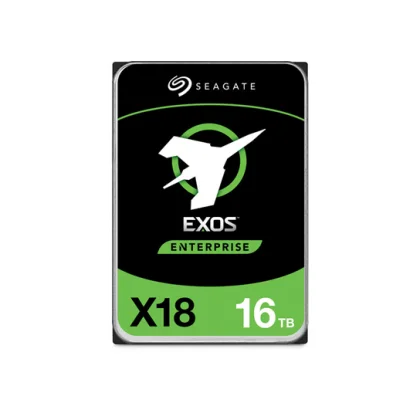
Dell and HPE branded drives (for example HPE 872479-B21 or Dell 161-BBRX) come with the caddy, OEM firmware and full support from the server vendor. Third-party enterprise drives such as Seagate Exos or WD Ultrastar work in most configurations and cost less, but you need a separate caddy and the server may show a non-OEM warning.
4. Controller and RAID
Confirm the RAID controller supports the drive type and sector format (512n, 512e or 4Kn). Match new drives to existing array members in speed and capacity.
5. Workload
10K and 15K SAS for databases and virtual machines; 7.2K NL-SAS or SATA for file, backup and archive; SSDs for the hottest data.
Browse SAS server drives, enterprise HDD and server components. Send us the server model and we will confirm the right part numbers.
Request a quote or message us on WhatsApp and we will help you choose.